


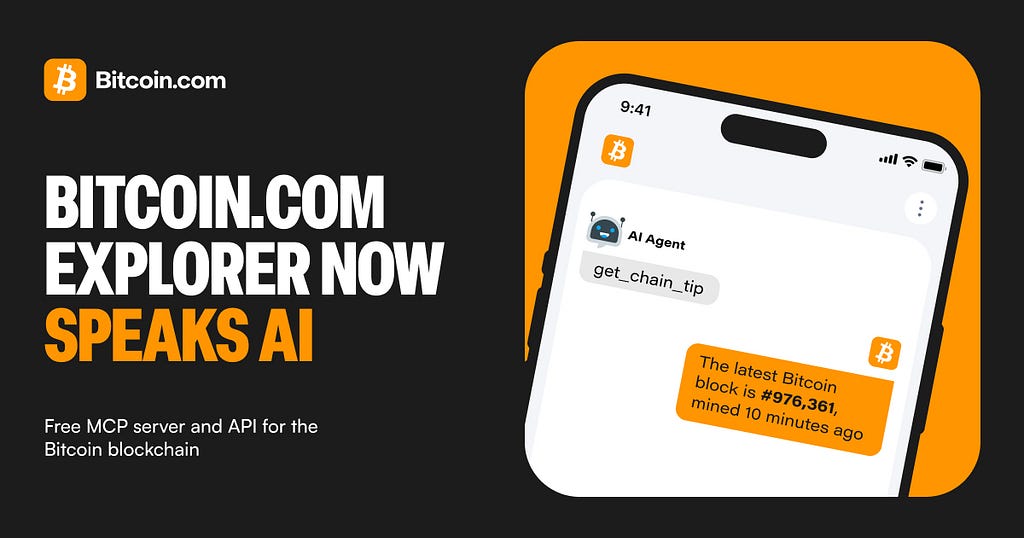

Ask an AI assistant what happened in a Bitcoin transaction and it usually has to guess, or scrape a block explorer built for human eyes. Bitcoin.com Explorer now gives AI agents a direct line instead.
Bitcoin.com Explorer has a free public API, an OpenAPI document and a remote MCP (Model Context Protocol) server. Any AI assistant or agent that supports MCP, including Claude, ChatGPT, Cursor and other tools, can look up Bitcoin blocks, transactions and addresses directly. There is no API key, no sign-up and nothing to install.
What makes it different: answers in plain English
Most blockchain APIs return raw data and leave the interpretation to you. Every record from Bitcoin.com Explorer comes with a short explanation in plain English alongside the structured data: what a transaction did and whether it confirmed, what’s in a block, what an address holds.
Ask for the chain tip and you get the block height, hash and time, plus a line like “The latest Bitcoin block is #976,361, mined 10 minutes ago.” An agent can pass that straight to a user, or use the structured fields underneath for its own work.
“We built the API so a developer gets the full data and an agent gets the meaning. Every response says in plain English what a transaction did, then gives you the numbers to check it. That’s the part we think agents have been missing.”
— Dan Zunder, Explorer Engineering Lead, Bitcoin.com
Connect your AI agent in one step
The MCP server is remote, so there is nothing to download. Run the command for your tool once in your terminal.
Claude Code
claude mcp add --transport http --scope user bitcoin-com-explorer <https://www.bitcoin.com/api/explorer/mcp/>
Codex
codex mcp add bitcoin-com-explorer --url <https://www.bitcoin.com/api/explorer/mcp/>
Other MCP clients (Cursor, Claude Desktop and others) take a configuration entry instead:
{
  "mcpServers": {
    "bitcoin-com-explorer": {
      "type": "http",
      "url": "<https://www.bitcoin.com/api/explorer/mcp/>"
    }
  }
}
Then start a new chat and try: “Use the Bitcoin.com Explorer to find the latest Bitcoin block and give me the link.” You’ll get the block height and a link you can open to check it.
Your agent has five read-only tools:
- get_transaction: a transaction by its ID, with what it did and whether it confirmed
- get_block: a block by height or hash
- get_address: the balance and totals for a Bitcoin address
- get_chain_tip: the latest block, its hash and when it was mined
- search: find a transaction, block or address from whatever you have, including extended public keys (xpub, ypub, zpub)
Bitcoin history, one lookup away
The Explorer keeps a page of notable Bitcoin transactions, blocks and addresses, with each one linked to its record on the chain. It covers the genesis block and the genesis address, Satoshi Nakamoto’s 10 BTC payment to Hal Finney, the 10,000 BTC pizza transaction, every halving, the blocks where SegWit and Taproot activated, and the first Ordinals inscription.
The same records work for agents. Ask yours about the pizza transaction and the Explorer tells it: “This transaction moved 10,000 BTC. It paid a fee of 0.99 BTC. It was confirmed 16 years ago in block #57,043.” The full inputs, outputs and block data come alongside that summary.
Prefer a plain API?
Every Explorer page is also available as JSON. Add ?format=json to a transaction, block or address URL, or send Accept: application/json:
curl "<https://www.bitcoin.com/explorer/btc/block/976361/?format=json>"
The full specification is in the OpenAPI document, and AI tools that read llms.txt and llms-full.txt can learn the whole API from one file.
Live charts for your own site
The Explorer’s network charts can be embedded on any website with one line of HTML. Four charts are available: fee rates, hashrate, mining difficulty and transactions. Each chart’s Embed button on the Charts page gives you the snippet, for example:
<iframe src="<https://www.bitcoin.com/embed/explorer/fees/>" title="Fee rates" width="100%" height="600" style="border:0" loading="lazy"></iframe>
Free, with fair limits
The API and MCP server are free. Each IP address can make 60 uncached requests per minute; over that, the server returns a 429 response with a Retry-After header telling your agent when to try again. Data covers the Bitcoin mainnet and is read-only.
What’s next: Pro tier and x402
For power users and businesses that need more, two additions are planned:
- A Pro tier with higher limits for teams and businesses running Bitcoin data at scale.
- x402 payments, an open standard built on the web’s long-reserved “402 Payment Required” status code, so an AI agent can pay for extra requests on its own, per request, without an account or subscription.
Want early access? If you’re interested in the Pro tier or x402, email [email protected] and we’ll let you know as soon as they’re ready.
“Agents are becoming real users of the web, and they need data they can read and trust. The free tier lets anyone start building today. A Pro tier and x402 payments are next, so a business or an agent that needs more capacity can simply pay for it.”
— Andreas Larsson, Director of Engineering, Bitcoin.com
Try it
Explore the API documentation, connect the MCP server to your agent, or open Bitcoin.com Explorer in your browser.
Bitcoin.com Explorer now speaks AI: a free MCP server and API for the Bitcoin blockchain was originally published in Bitcoin.com on Medium, where people are continuing the conversation by highlighting and responding to this story.
